
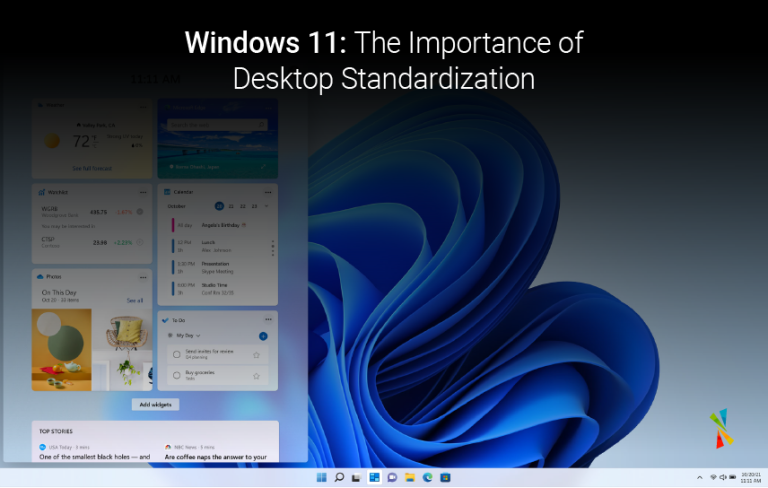
Windows 11: The Importance of Desktop Standardization

Table of Contents
The evolving IT landscape with cloud adoption, multi-device users, and self-service demands modern solutions. Desktop Standardization remains a powerful tool to address these challenges in Windows 11.
What is desktop standardization?
It ensures all user desktops share a common core configuration, including the operating system (Windows 11 in this case), applications, and hardware drivers. This simplifies management and enhances security. While some companies hesitate, standardization is becoming the norm for its numerous benefits.
Ideal timing for standardization:
- Upgrading or migrating to Windows 11.
- Hiring new employees and equipping them with desktops.
- Organizations with a complex IT infrastructure.
Benefits of desktop standardization with Windows 11:
- Enhanced security: Windows 11 offers robust built-in security features. Standardization ensures all desktops are updated with the latest security patches, minimizing vulnerabilities.
- Streamlined remote work: Standardized desktops with identical applications and software empower employees with a seamless virtual work experience.
- Clearer data separation: MFA (Multi-Factor Authentication) and trusted applications within the standard configuration create a secure environment, separating corporate from personal data.

Microsoft 365 productivity & collaboration solutions
Empower your employees to do their best work regardless of their location or device
Benefits of Partnering with an IT Specialist:
While standardization offers significant advantages, partnering with an IT expert can save resources and optimize the process. Here’s what a partner like Team Venti can provide:
- Simplified management: Leverage Windows 11 features like Windows Autopilot for faster device deployment, management, and retirement.
- Expert support: Gain access to a team of specialists for ongoing support and troubleshooting.
- Unified management: Utilize Microsoft Intune services to manage devices, users, data, and applications from a central hub.
- Patch management: Ensure all desktops are updated with the latest Windows 11 security patches.
- 24/7 critical support: Benefit from responsive IT support for critical issues.
Standardization with Windows 11 paves the way for a secure, manageable, and productive work environment. Implement this strategy with Team Venti’s expertise to empower your remote workforce and thrive in the new normal. Let’s discuss your specific needs – book a free consultation today.

Sign up to learn more
Get news, updates, and insights about Microsoft solutions, technologies, and best practices.









